
When a regular LogPoint becomes Fabric-enabled, you cannot access some of the features and functionalities from its user interface. To access those features, you have to use the corresponding API or the Director Console.
When you use the corresponding API or the Director Console, you must use Refresh List APIs to sync the data of an entity between the LogPoint and the Director Fabric.
You can use Refresh List APIs to sync the data of the following entities:
Distributed Collectors
Distributed LogPoints
Enrichment Settings
Enrichment Sources
LDAP User Groups
Lists
LogPoint Users
LogPoint User Groups
Normalization Packages
Repo Paths
Support Connection Settings
General Settings Default Authentication Options
Go to Configure >> Settings >> Operations >> Refresh List APIs.
Select the LogPoint instances where you want to refresh API.
Note
If you select a LogPoint Collector, you can Refresh List for Support Connection Settings only.
Click Next.
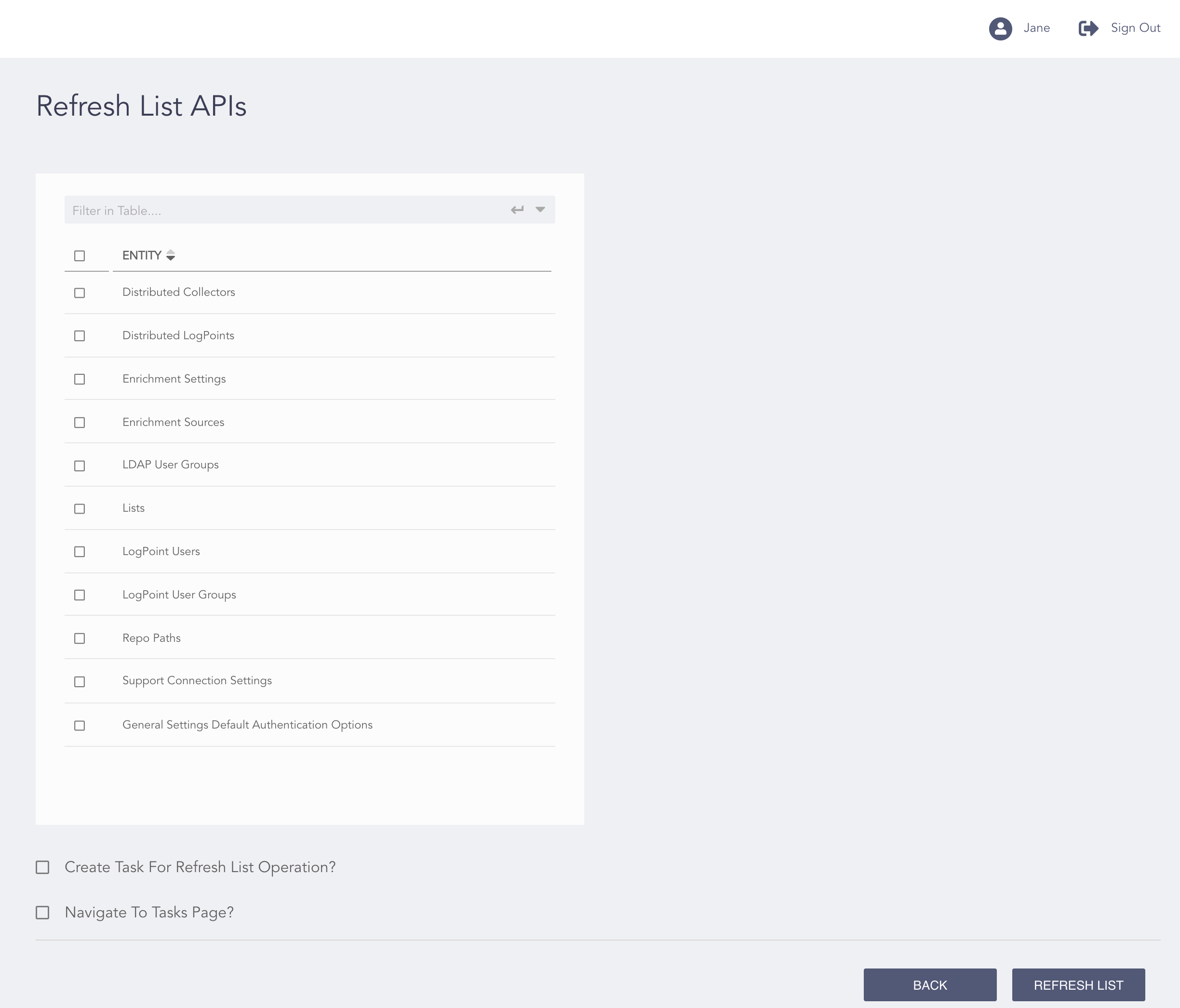
Refresh List APIs Page
Select the APIs from the list. You can select multiple APIs at once.
Select Create Task for Refresh List Operation? to create a task for the Refresh List operation.
Select Navigate to Tasks Page? to go to the Tasks page after the completion of a refresh list operation.
Click Refresh List.